 Sign in ☰
Register a new App
Steps navigation:
• Register a new app
• Authentication and Authorization
1st Step
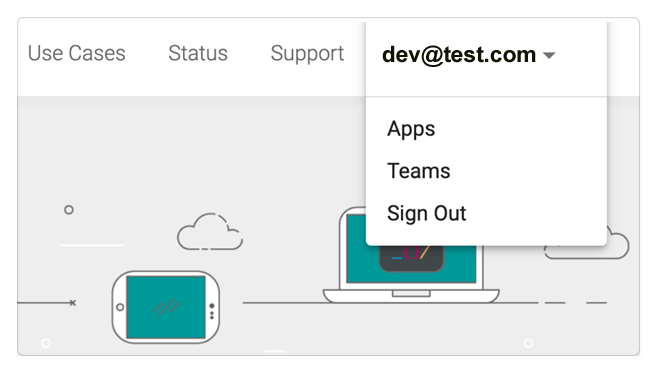
To start, click Your name / Apps.
2nd Step
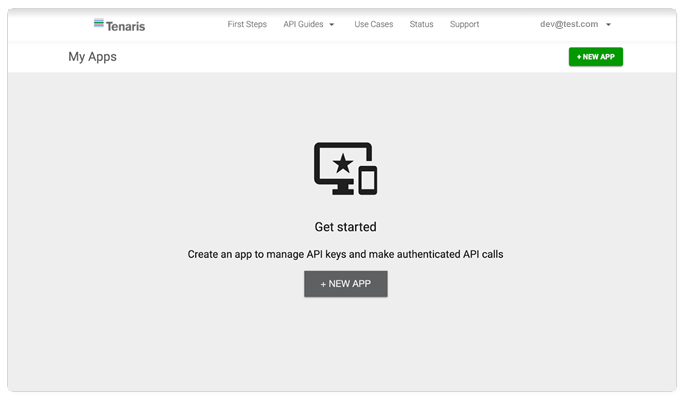
You will see the my apps home page, but empty, because you don't have any app yet. To create a new app, click the "+NEW APP" button:
3rd Step
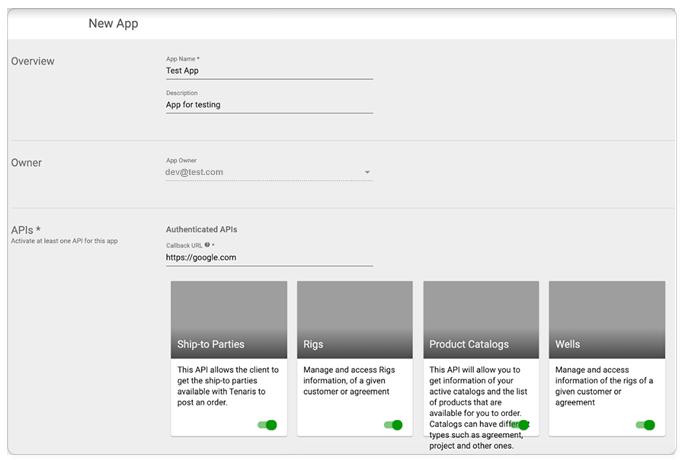
Now you see the New app form:
4th Step
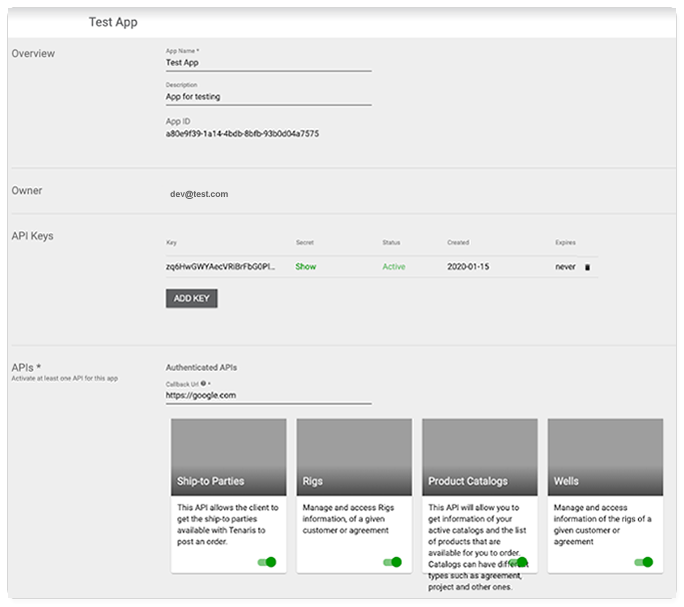
Fill the information, having special focus on the owner, and APIs that this application will access. If any of the APIs selected requires a callback URL, please fill it in with an endpoint that will receive the access token to use those APIs. For more information, see Authentication and Authorization.
5th Step
So now, you can use the API Keys and Secret to use the selected APIs!